Email alerts before Entra credentials expire
Get email before a Microsoft Entra app secret or certificate expires. Start with admin recipients, then turn on owner routing when needed. Notification Audit records each send.
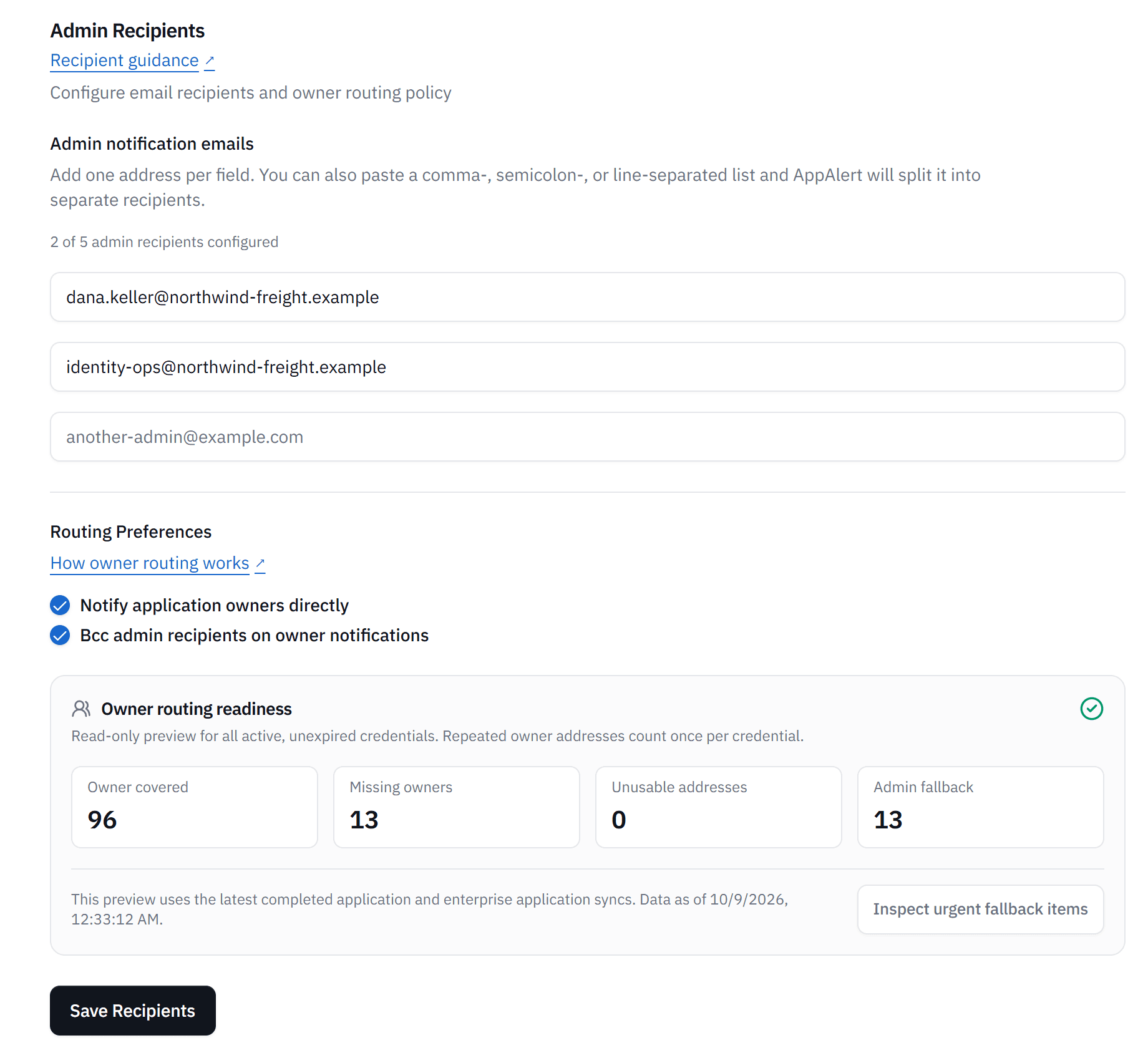
Send credential alerts to your configured admin recipients before Entra app secrets and certificates expire.
Turn on owner routing to use owner addresses from the synced Entra inventory. Credentials without a usable owner address fall back to admin recipients.
Choose days-before-expiry thresholds for each credential type and edit the email template, with its supported tokens, in Organization Settings.
Notification Audit shows sent, pending, failed, and skipped attempts, plus bounces when the provider reports them. Records are kept for 365 days.
In Notification Audit, sent means the email provider accepted the message. It does not confirm inbox delivery or that someone read it.
Enable owner routing in alert settings. No separate owner opt-in is needed. Admins can get a Bcc copy of owner alerts.
Review credential coverage for application secrets, application certificates, SAML certificates, and Application Proxy SSL certificates. Follow the renewal guides when it is time to renew.
Set up expiry emails for your organization
Connect your organization and choose admin recipients and expiry thresholds. Review each attempt in Notification Audit.